 Scandium
A free, open‑source image editor that stays out of your way.
Layers, masks and adjustment layers. Retouching, selections, filters. A headless engine you can script. Nothing leaves your machine — no network, no telemetry, no account.
macOS 15.4 or later · SHA-256 checksums on the release page
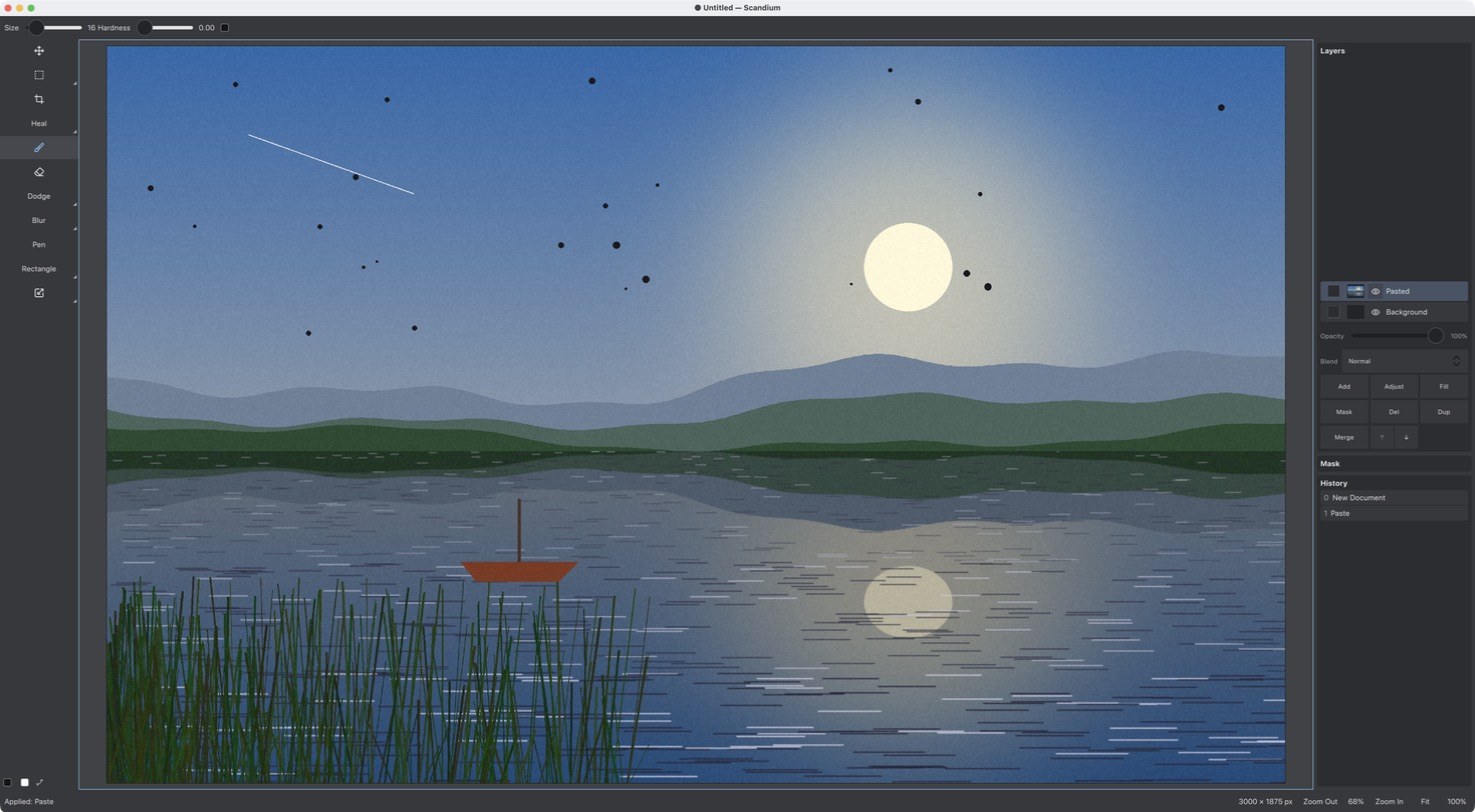
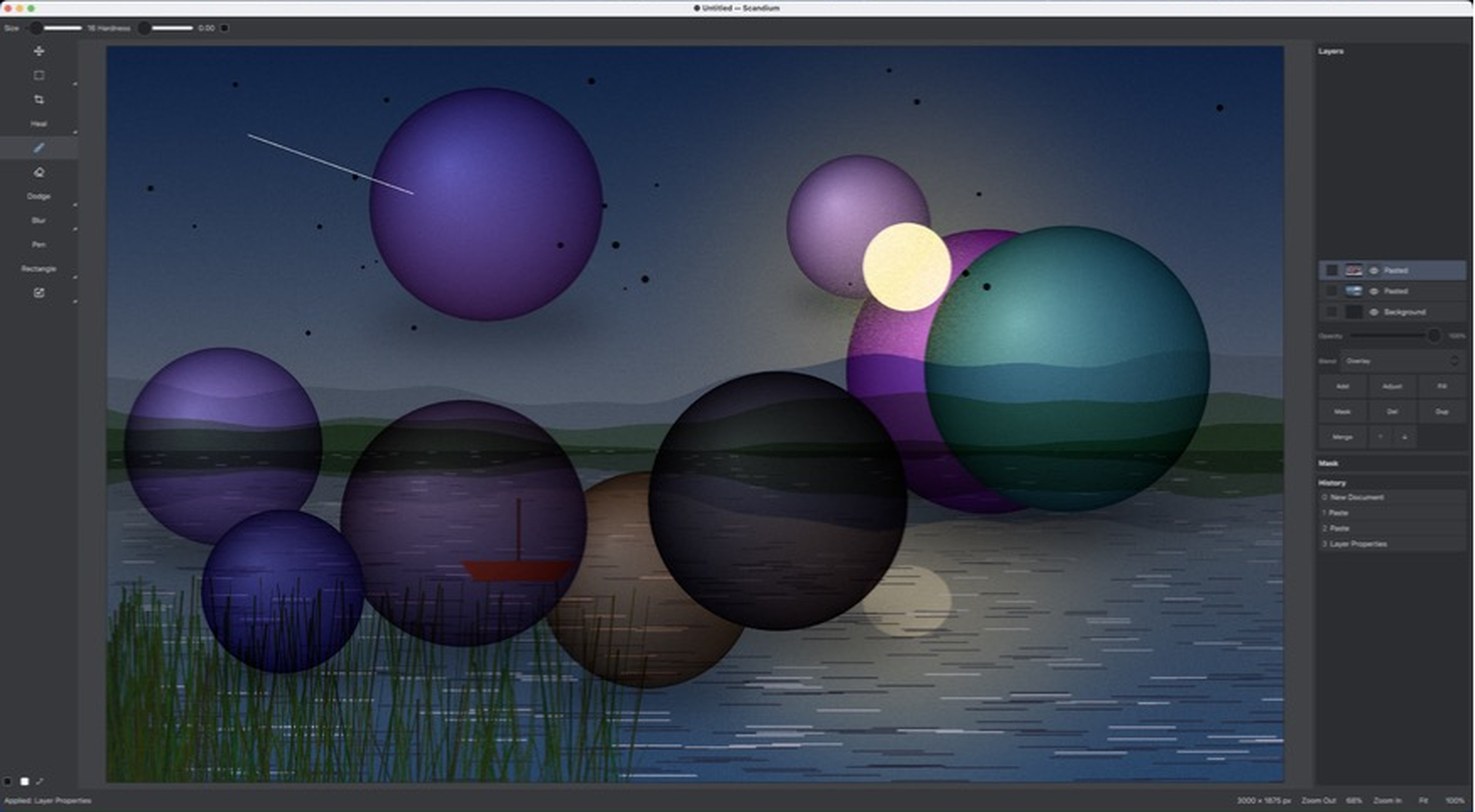
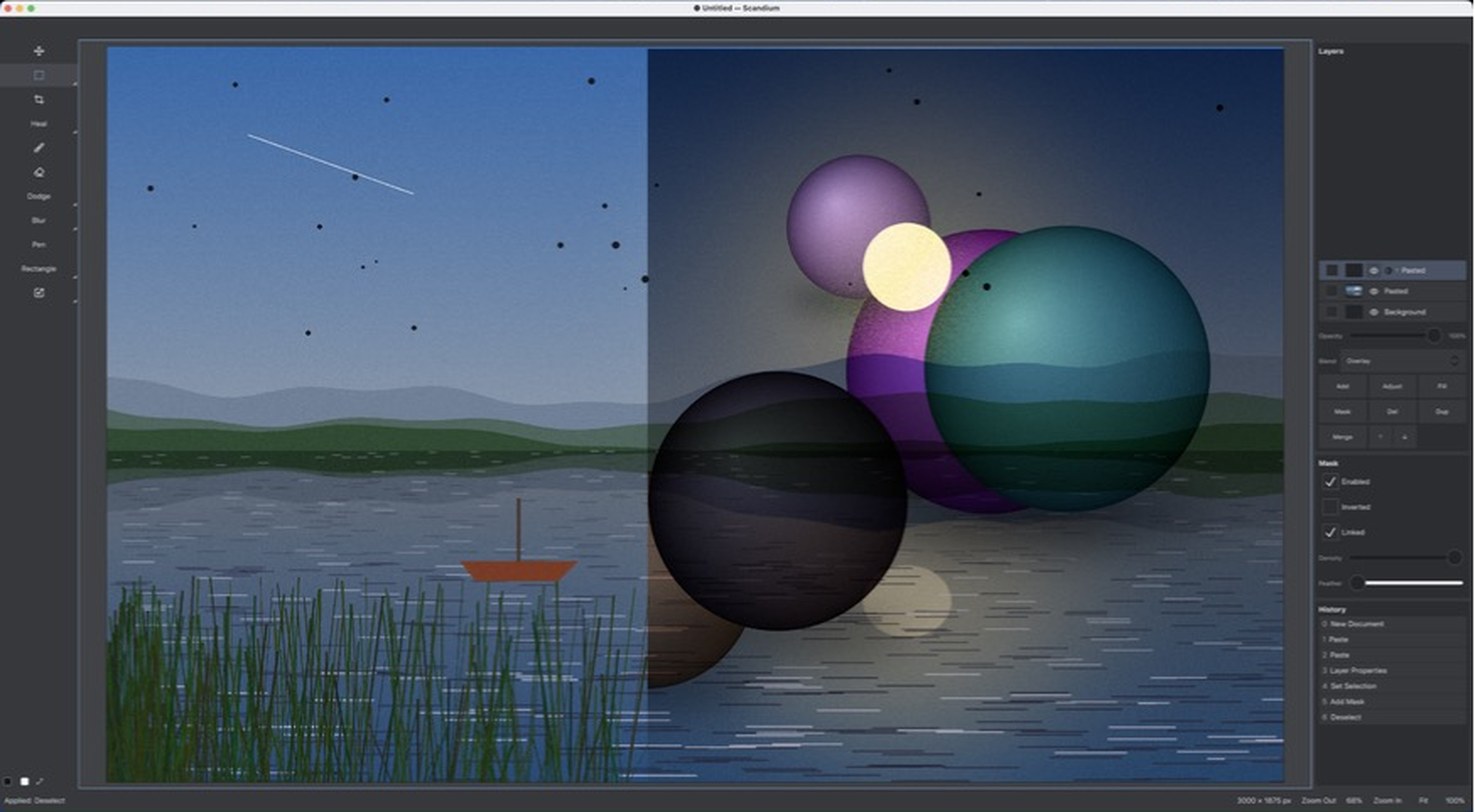
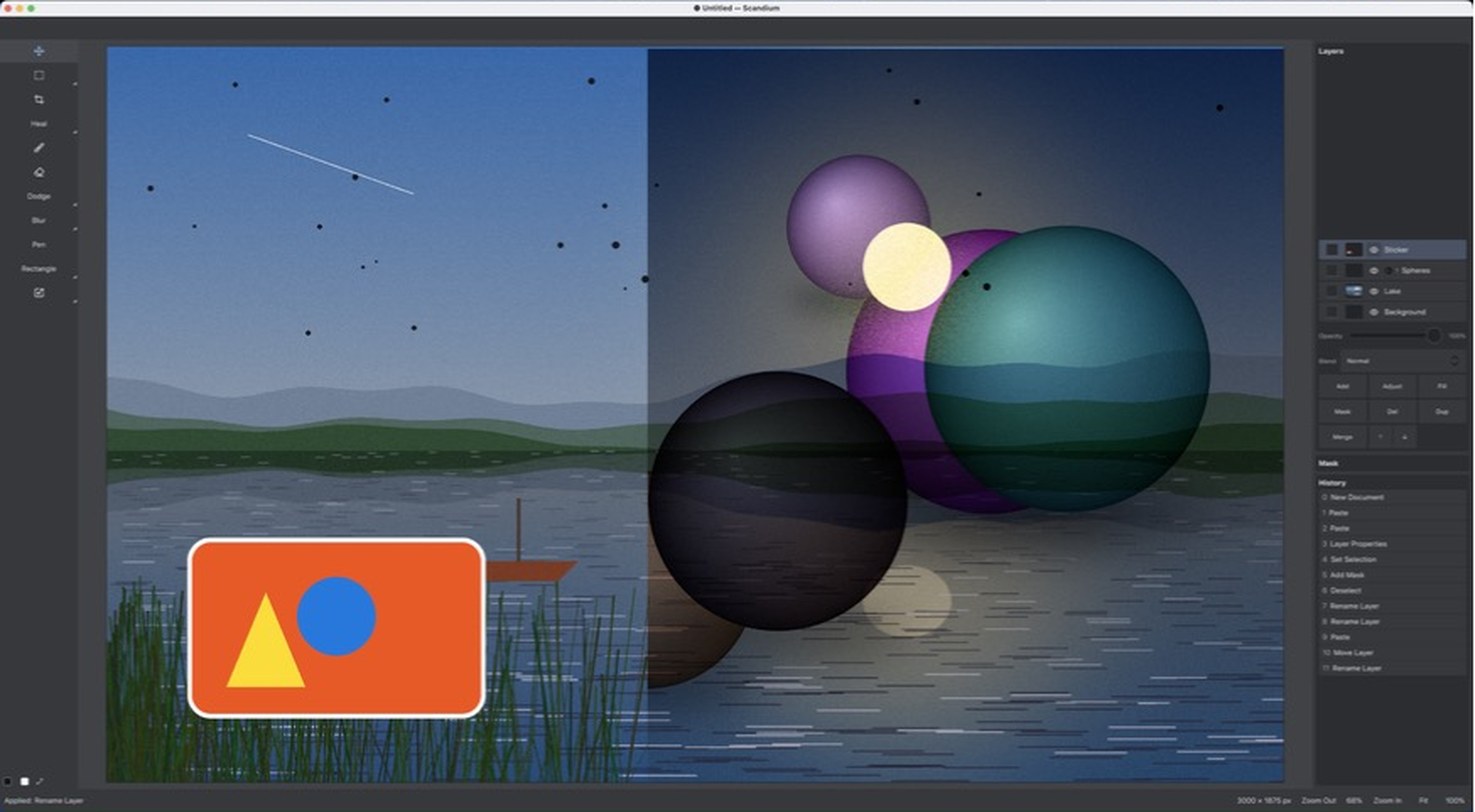
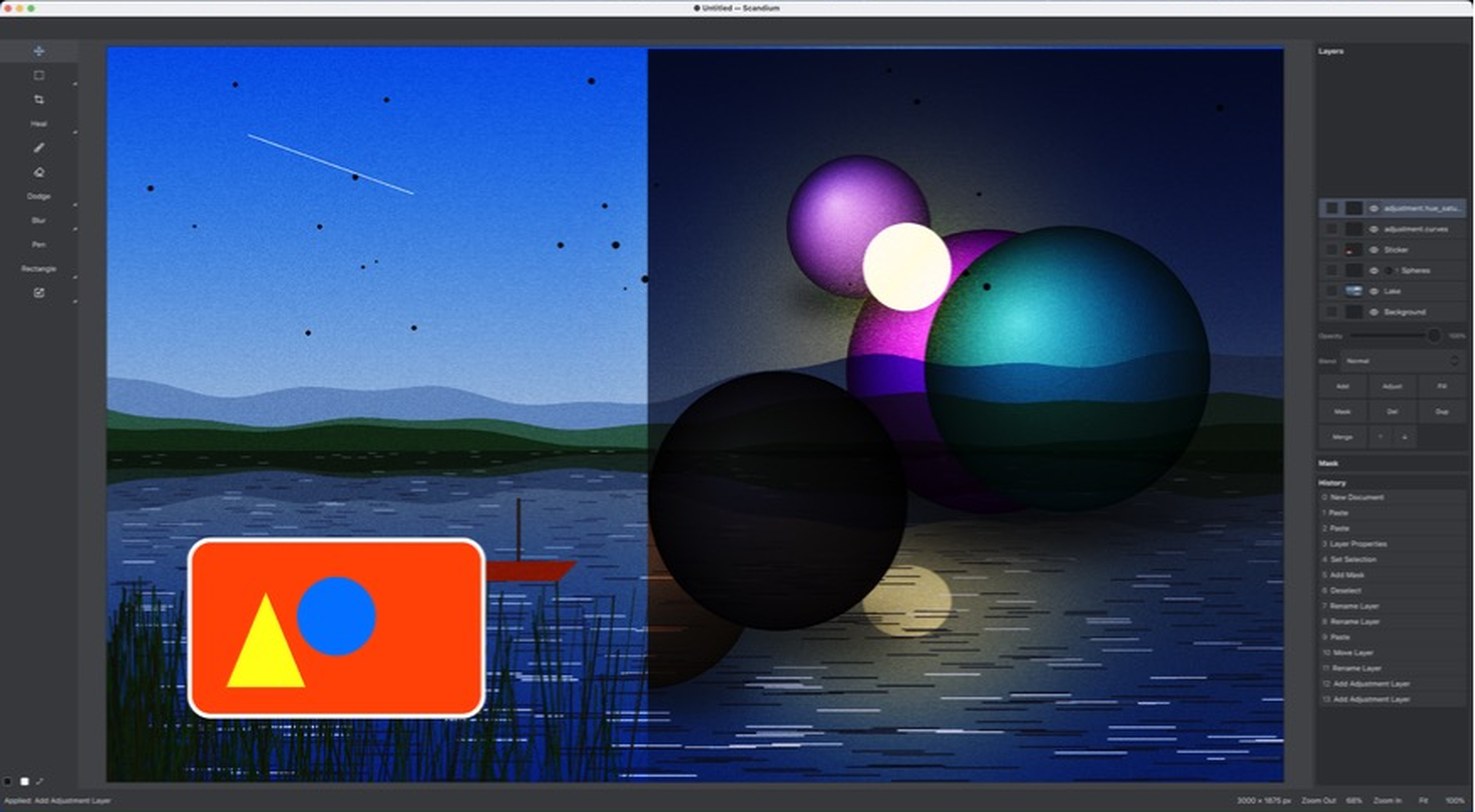
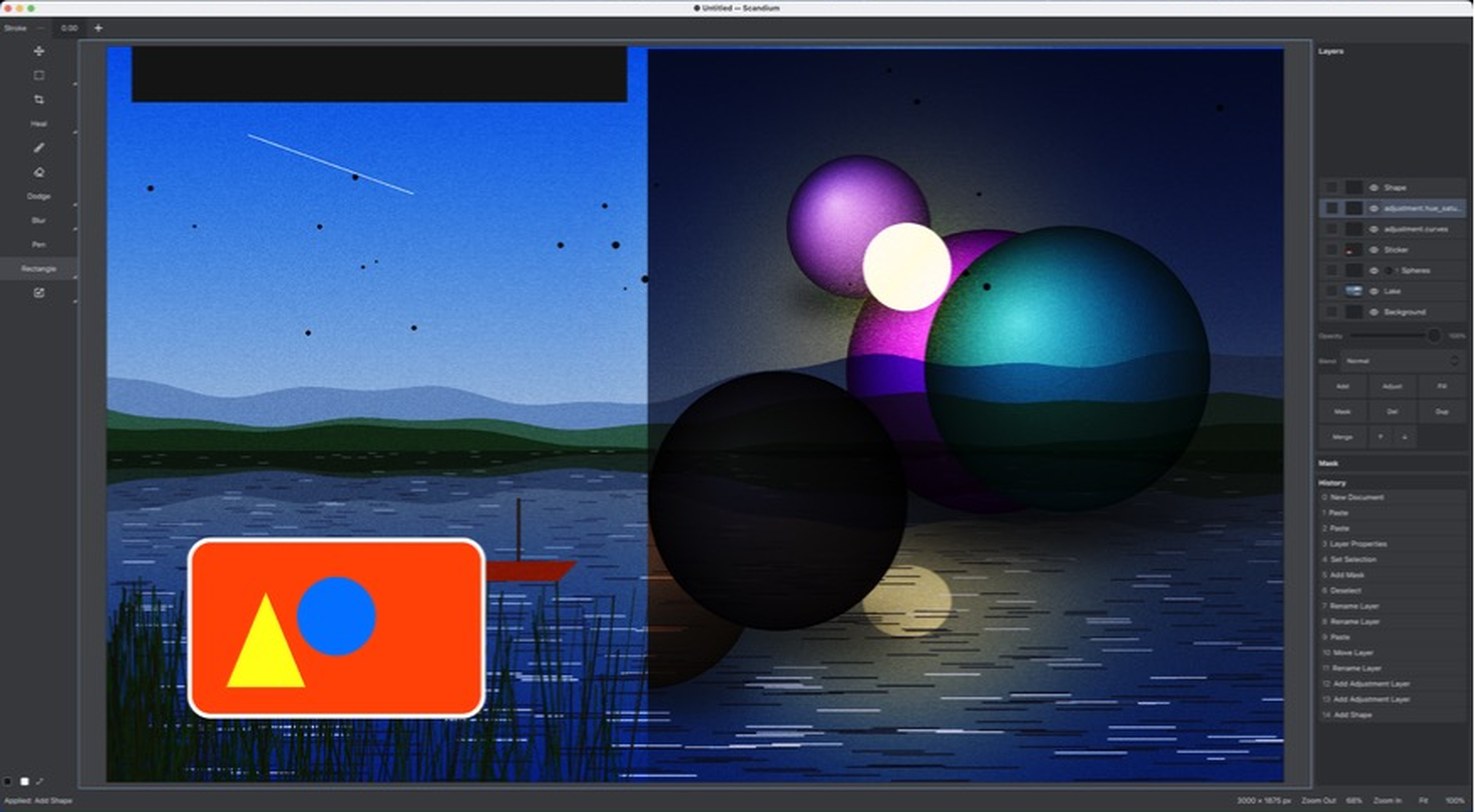
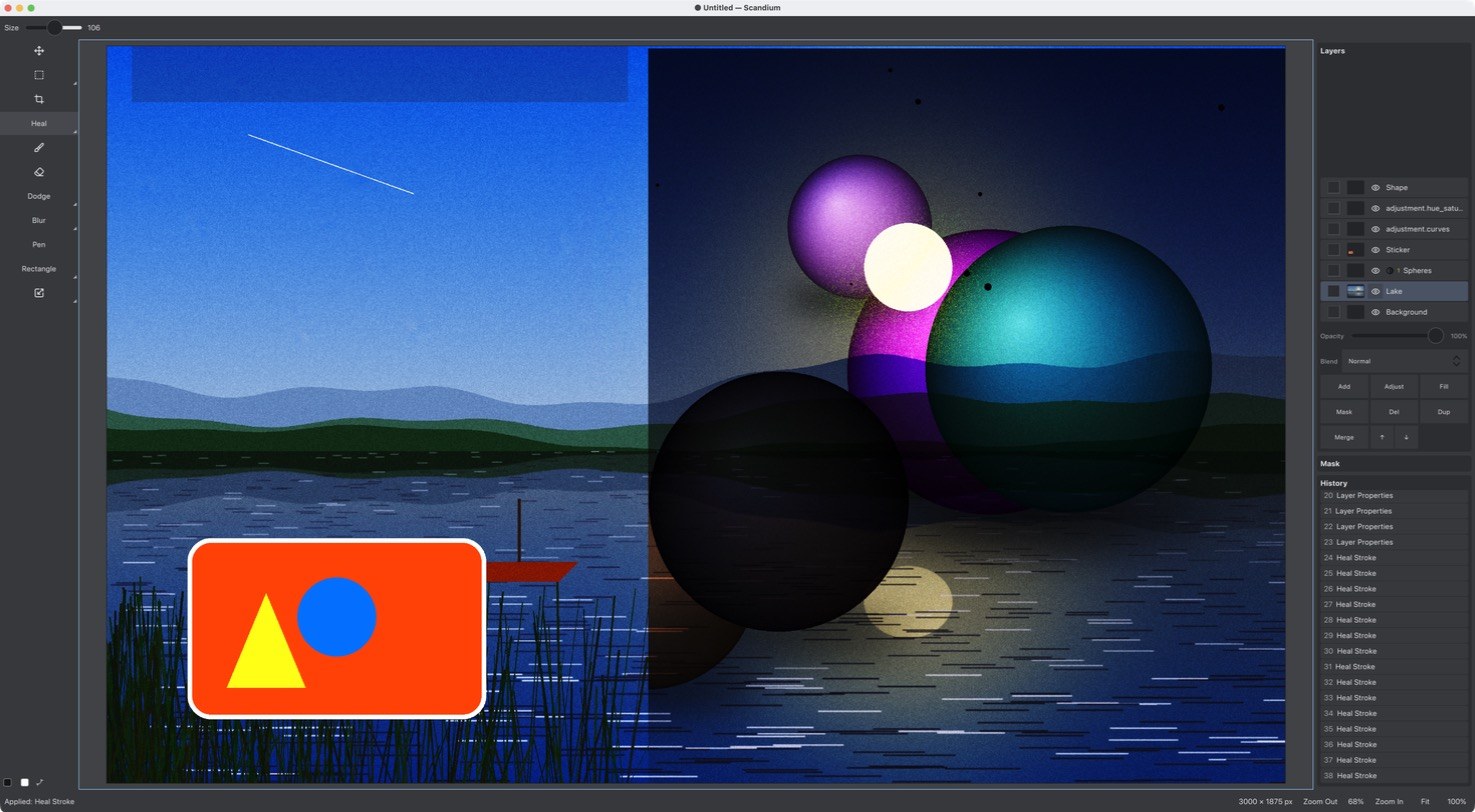
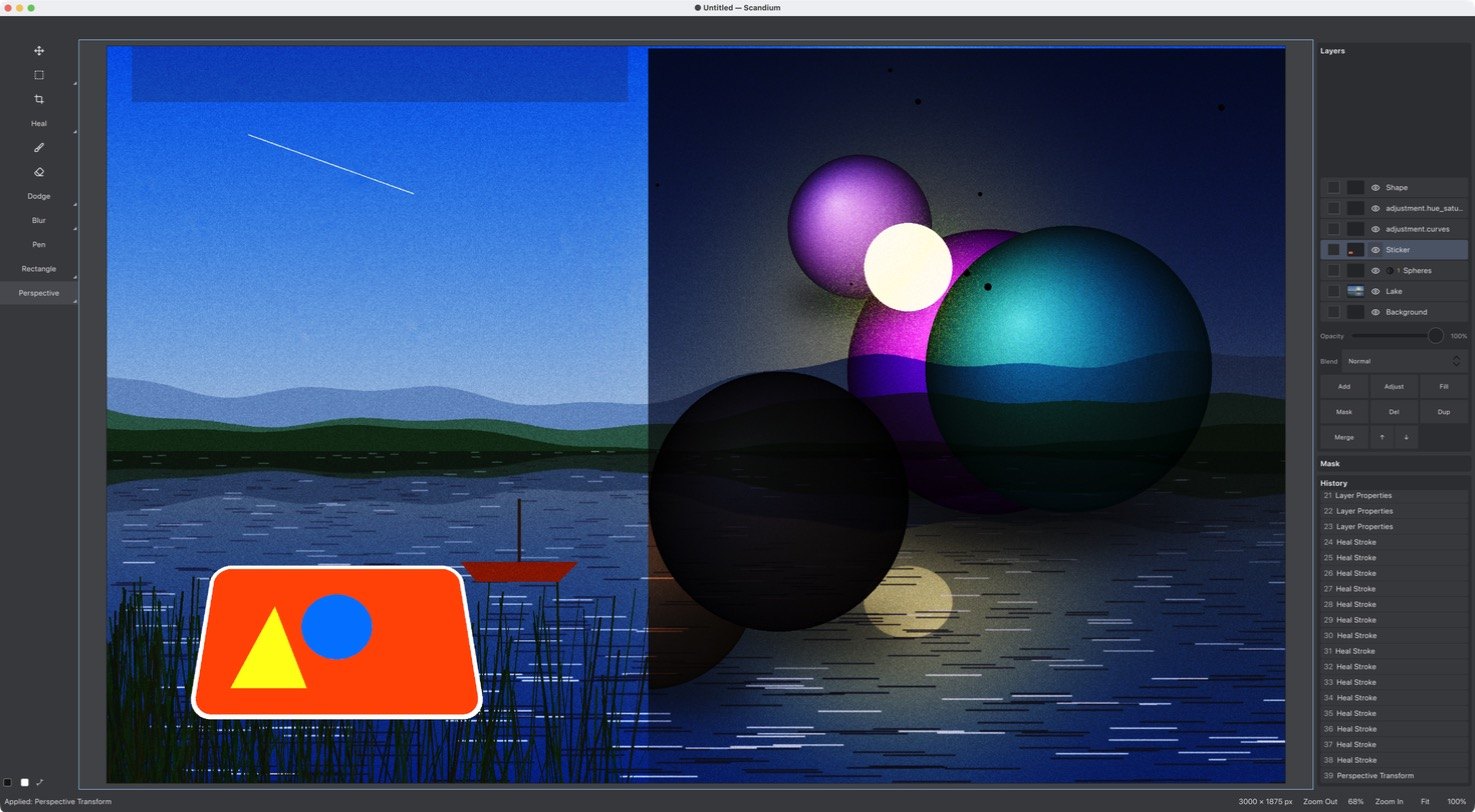
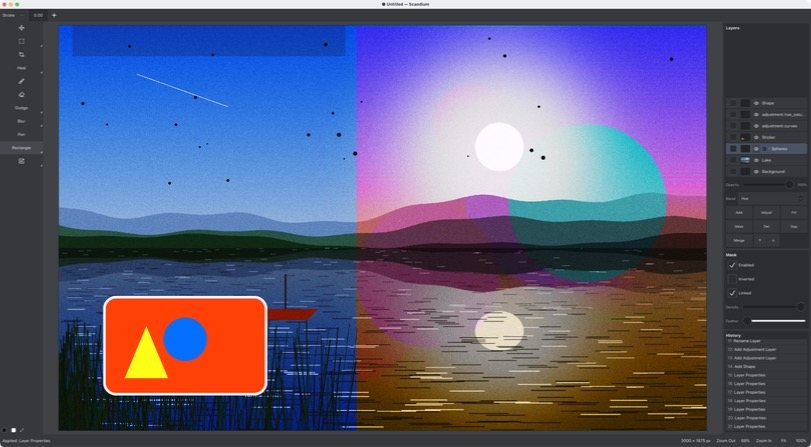
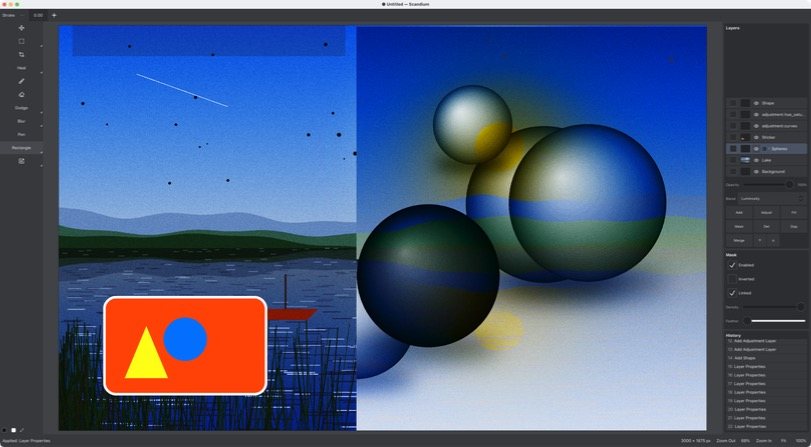
Seven layers, two of them adjustments, one masked, one in perspective — built in eight steps, each one a real screenshot, every one a row in the History panel on the right. Click a step, or let it play.
65 days. 1 high schooler. A fleet of agents.
Scandium went from its first commit to the 1.0 tag in 65 days, written by a fleet of Claude Code sessions with one human operator — a high-school student. Every figure on this page is measured from the repository and the session logs, not estimated.
Measured 15 Oct 2026 on the build machine. Days: first commit on main to the v1.0.2 commit. Lines: Rust, C++, QML and the Python/shell tooling in the tagged tree, with contracts, goldens, fixtures, i18n and reports excluded. Tokens: every input, output, cache-write and cache-read token in the agent sessions' own logs, de-duplicated by message; the Windows build sessions ran on another machine and are not counted, nor are the advisor's sessions or the 41 sessions started from the Projects root; the fleet's session logs begin on 26 Aug 2026.
Real screenshots. Real pixels.
Every picture here was taken in Scandium 1.0 on the project's own synthetic test images. Drag the sliders.
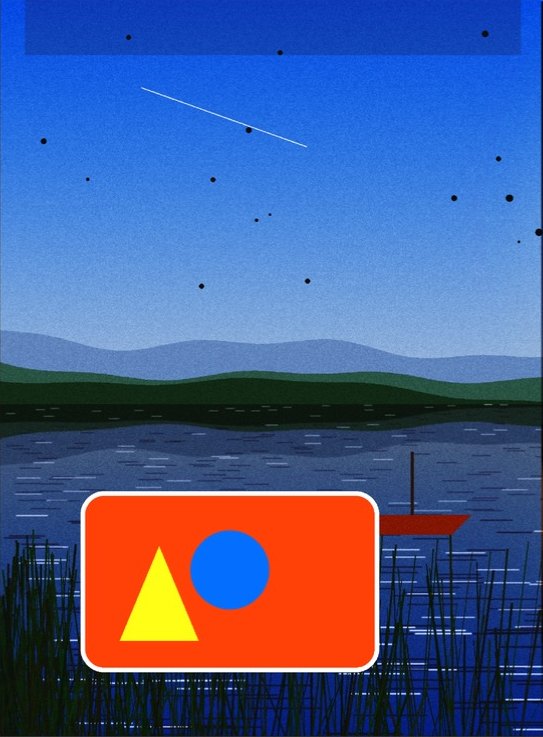
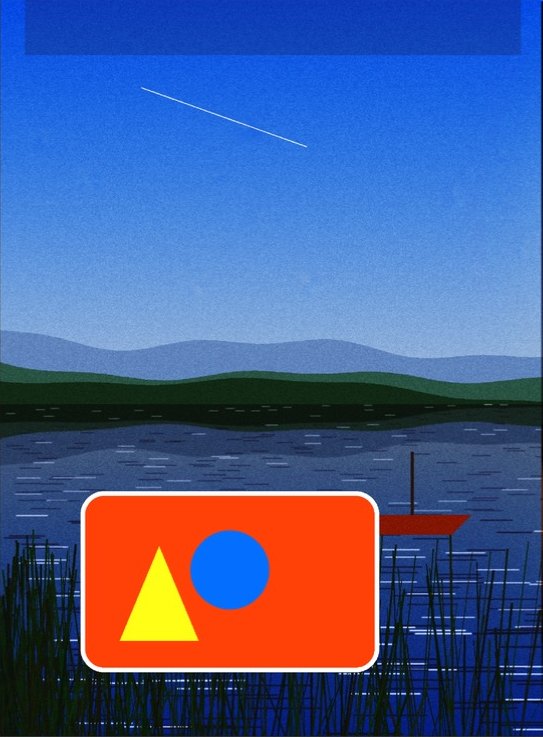 BeforeHealed
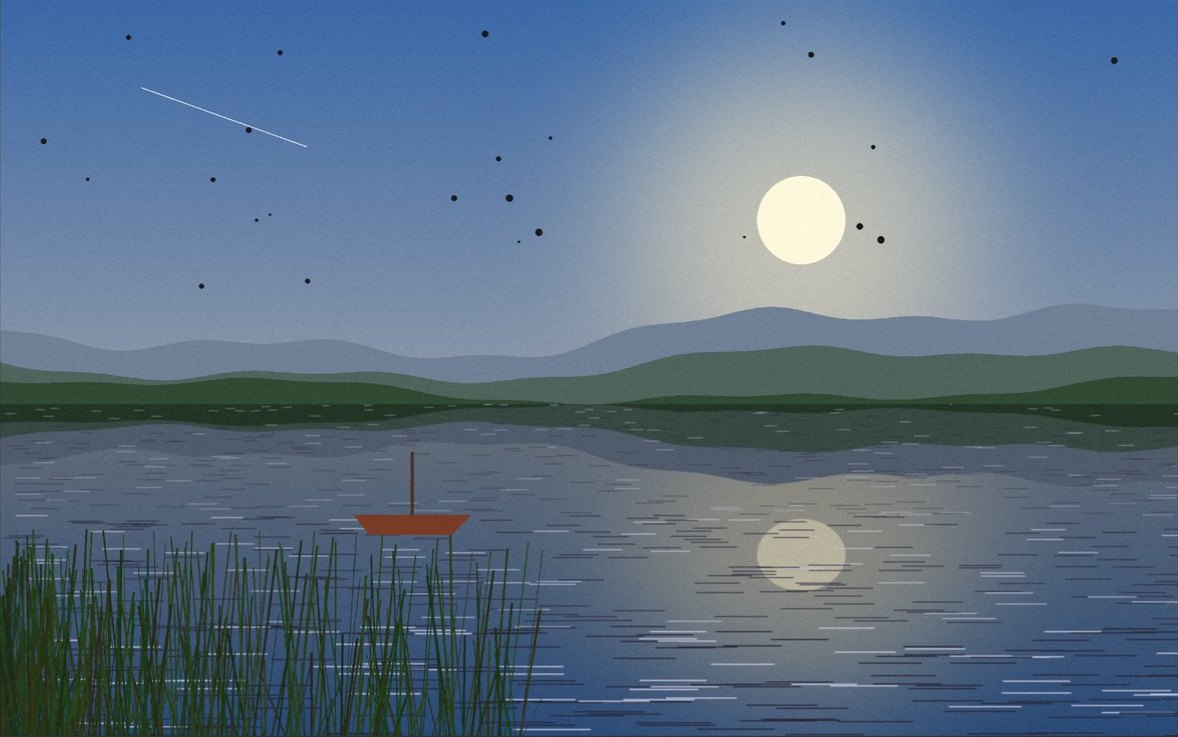
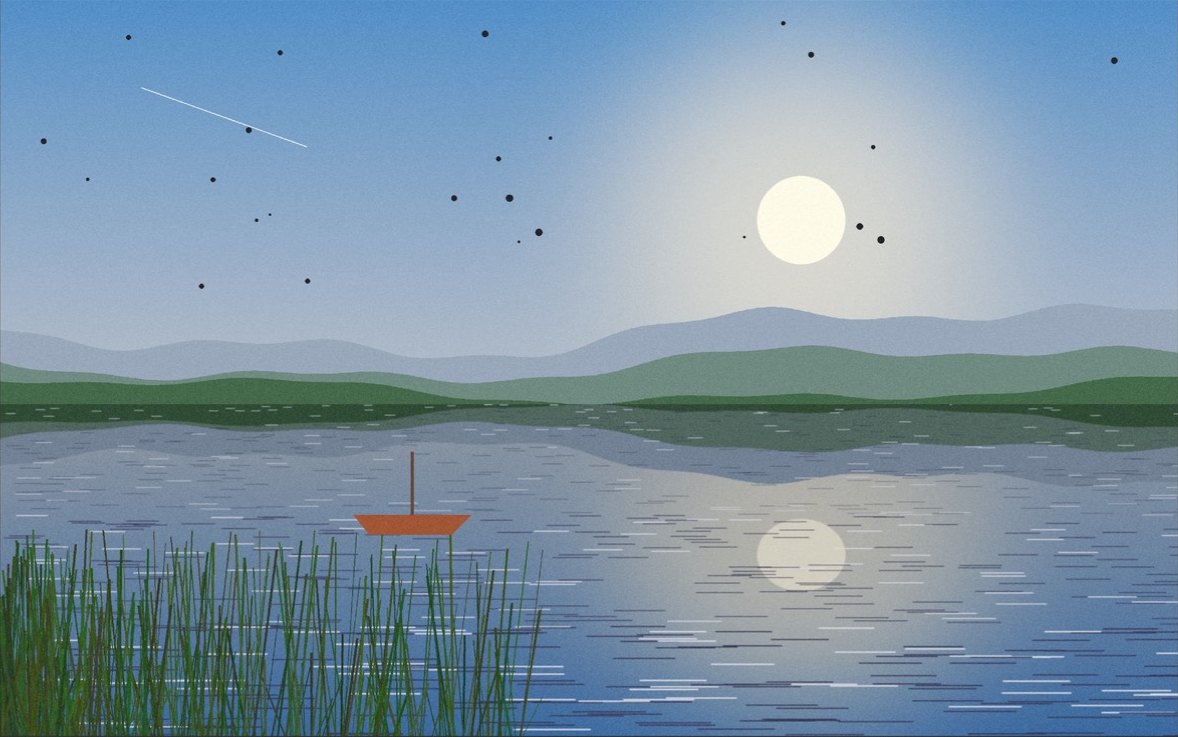 BeforeCurves
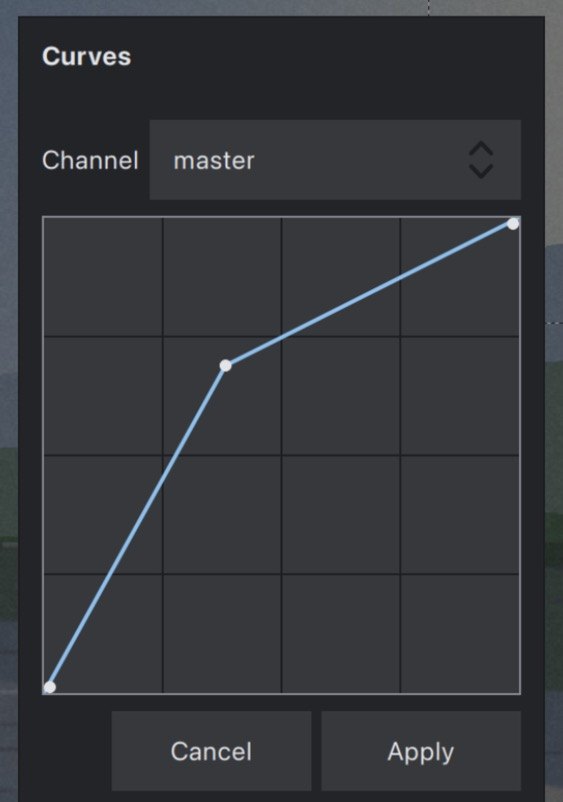
Curves
Master, red, green and blue.
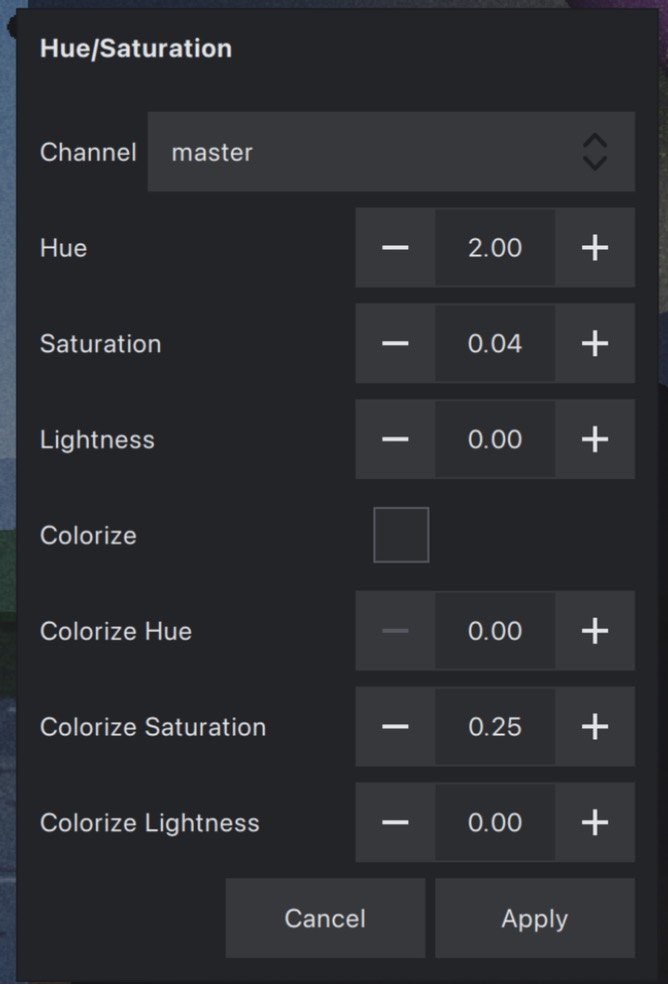
Hue/Saturation
Master and six colour bands, with colorize.
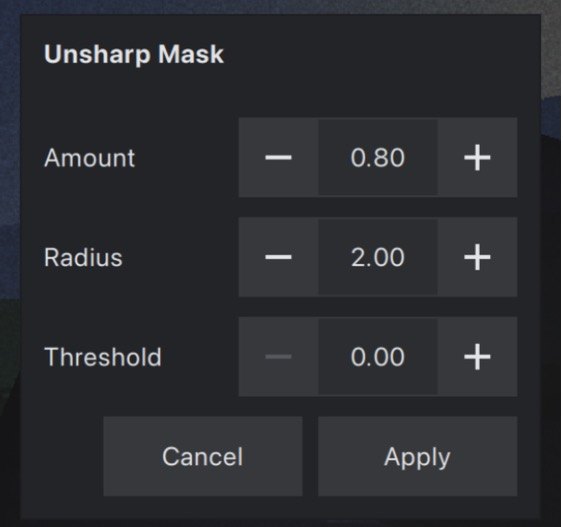
Unsharp Mask
Amount, radius, threshold.
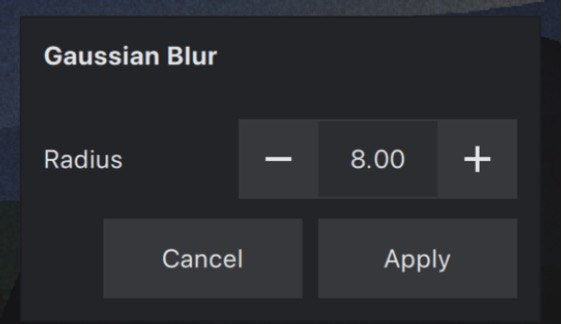
Gaussian Blur
And Box Blur, Median, High Pass, Add Noise.
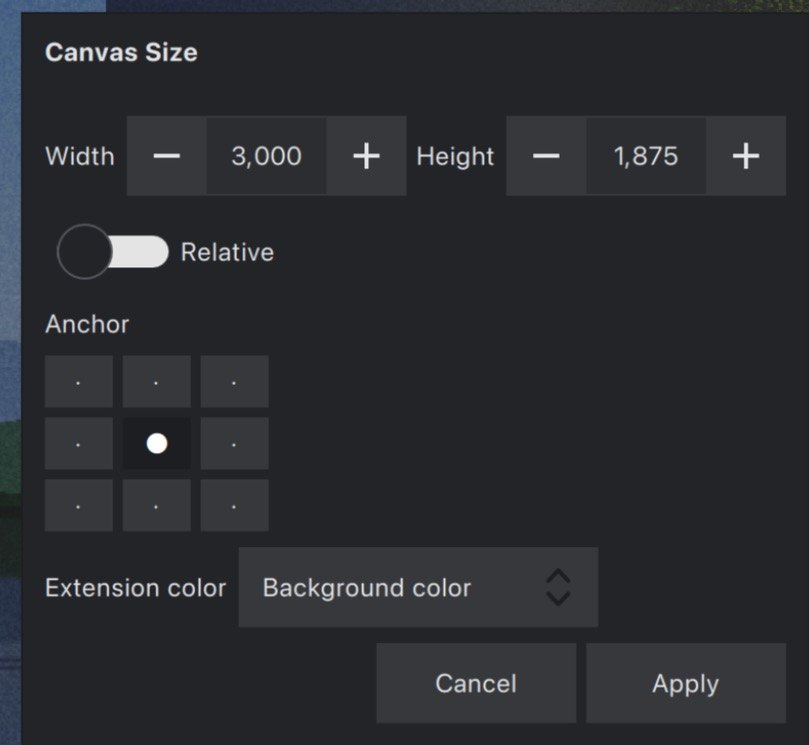
Canvas Size
Anchor, relative, extension colour.
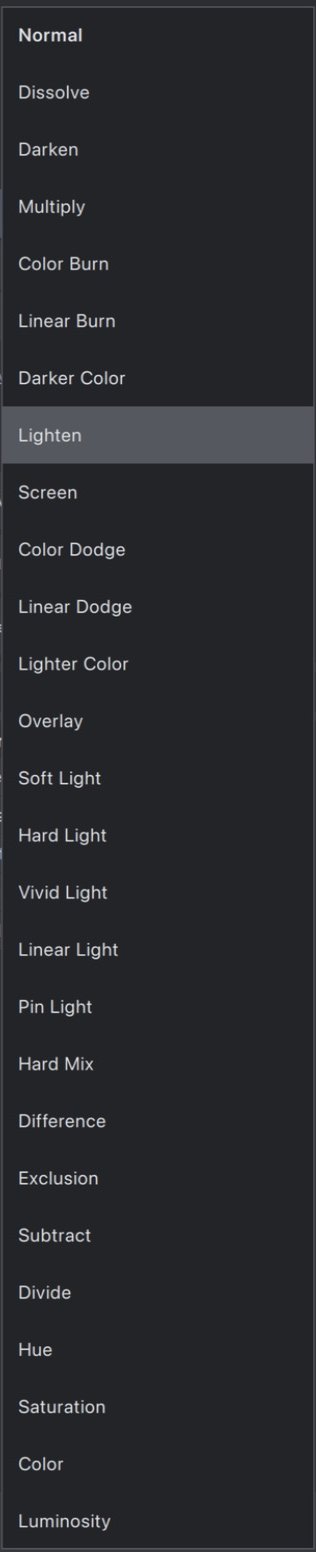
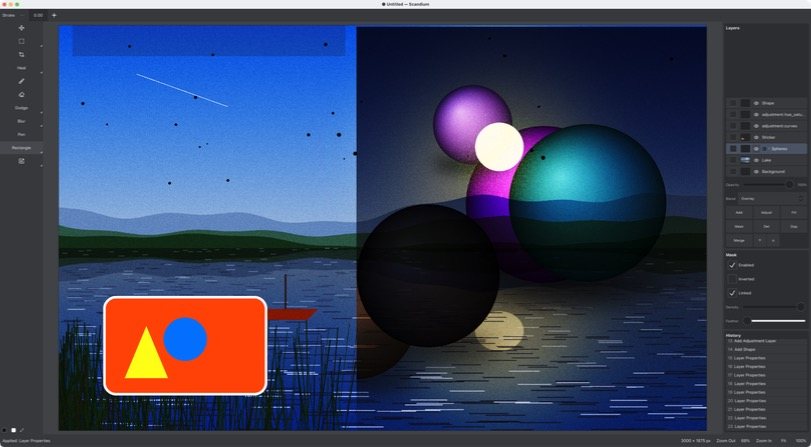
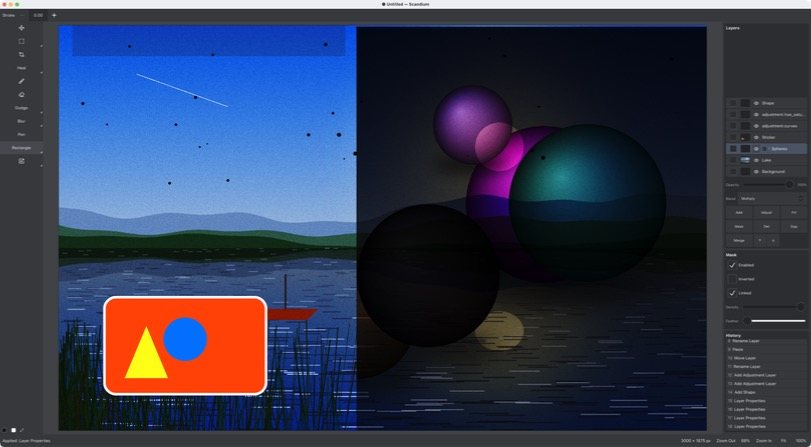
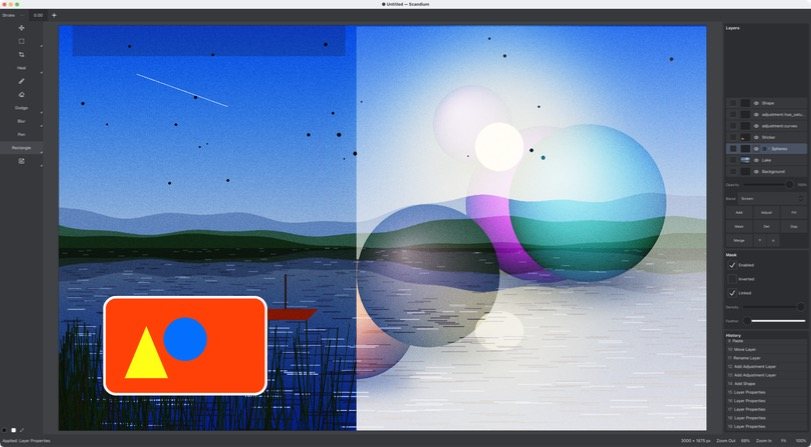
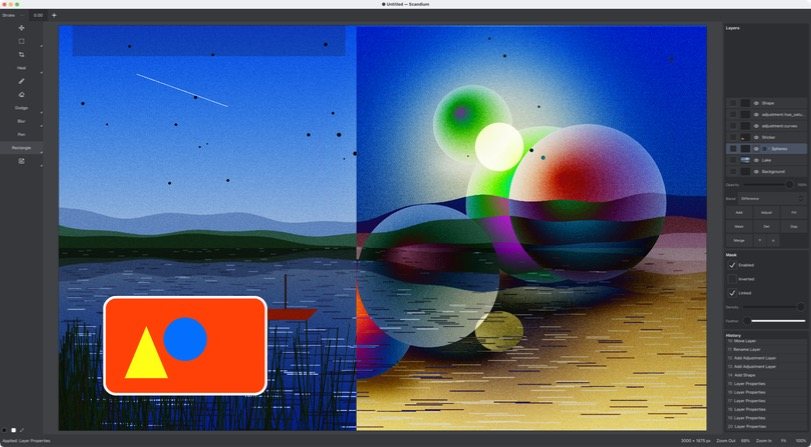
Blend modes
All 27, Normal to Luminosity.
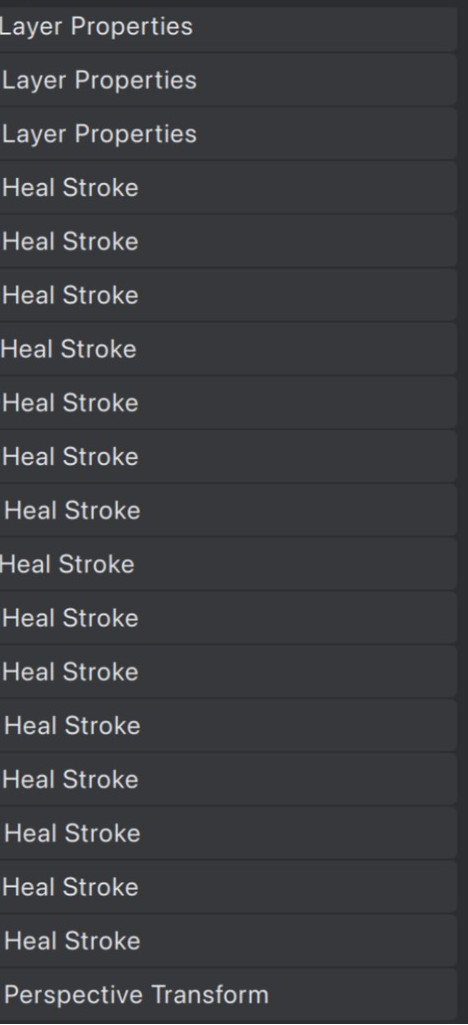
History
Every edit a row; click one to jump there.
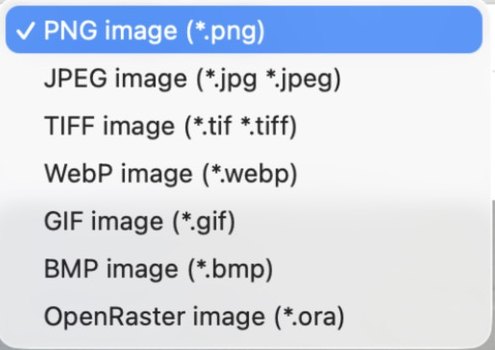
Export
PNG, JPEG, TIFF, WebP, GIF, BMP, OpenRaster.
The whole list, scrolling by.
Taken from the user guide, the CLI's documentation and the release notes; nothing added. Hover to pause; open the list to read it.
Eleven groups, one guide.
Tools, layers, adjustment layers, selections, masks, filters, the Image menu, history, files, the headless CLI and the platform — every line is taken from the 1.0.2 user guide, the CLI's documentation and the release notes.
What is known not to work yet is listed in KNOWN-ISSUES.md: thirty entries, among them that the Windows build is not yet verified on a clean machine.
Open the full list
Tools
- Move
- Rectangular marquee
- Elliptical marquee
- Lasso
- Polygon lasso
- Magic wand — tolerance, contiguous or every matching pixel
- Crop
- Brush — size, hardness, colour
- Eraser
- Heal
- Clone stamp — sample all layers, Option-click source
- Dodge
- Burn
- Sponge
- Blur
- Sharpen
- Smudge
- Pen
- Rectangle shape
- Ellipse shape
- Free transform
- Perspective transform
- One-letter tool shortcuts, V to U — press again to cycle the group
Layers
- Add, duplicate, delete, merge down, reorder, rename, hide
- Opacity
- 27 blend modes
- Shape layers with stroke
- Paste as a new layer
- Paste Into — masked to the selection
- Flatten with or without hidden layers
Adjustment layers
- Brightness/Contrast — with a legacy switch
- Curves — master, red, green, blue
- Exposure — exposure, offset, gamma
- Hue/Saturation — master plus six colour bands, colorize
- Levels — composite and per channel
- Threshold
- Invert
- Every adjustment lives on its own layer: hide, reorder, mask or delete it later
Selections
- Marquee, lasso and wand selections
- Select all · Deselect · Invert
- Save and load selections
- Load a layer's alpha as a selection
- Modify: expand, contract, feather, border, smooth
- Delete inside the selection
- Right-click canvas menu with the whole Select menu
Masks
- Reveal All · Hide All
- From Selection · From Selection, Inverted
- From Transparency
- Enable or disable, feather, density, invert
- Link or unlink from the layer
- Every change undoable
Filters
- Gaussian Blur
- Box Blur
- Median
- High Pass
- Add Noise
- Unsharp Mask
Image
- Auto tone, auto contrast, auto colour — one step each
- Resize — by width, height or longest edge, PPI, constrain, resample
- Canvas Size — anchor, relative, extension colour
- Rotate — any angle, flips, expand canvas
- Trim — by transparency or edge colour, per edge
- Flatten Image
- Convert Depth — 8-bit integer or 32-bit float
- Assign Profile — sRGB, Display P3, ProPhoto RGB
- Convert to Profile
History
- Every edit is one row
- Click any row to jump straight to it
- Undo and redo from the keyboard
- The History panel is the same thing shown by name
Files
- .appname package — layers, masks, adjustment layers, history position
- Import PNG, JPEG, TIFF, WebP, GIF, BMP as layers
- Drag a file onto the window to import it
- Export PNG, JPEG, TIFF, WebP, GIF, BMP and OpenRaster
- Byte-identical exports on macOS and Windows
Headless CLI
- new · import · apply · script · export
- info --json · history · undo · redo
- duplicate · recover — crash recovery from the autosave journal
- selftest — the determinism proof
- Transactional JSONL scripts: stop on error with the line number, nothing persisted on failure
- Exit codes 0 / 1 / 2 and, with --json, one JSON object per call
- English, Spanish and Japanese catalogs
Platform
- macOS 15.4 or later on Apple silicon
- Windows x64
- GPU rendering measured against the CPU reference
- No network, no telemetry, no account
- GPL-3.0 · SDK interface Apache-2.0
- Every third-party notice, copyright line and licence text ships inside the app
The same engine, headless.
Every edit — in the app or from a shell — is one JSON command through one entry. This transcript is an excerpt of a real run: nothing in it is edited.
$ appname new --width 3000 --height 1875 --background white --out lake.appname
Created lake.appname — 3000 × 1875 px, document 947cae27-4006-5dfa-8514-f93971bba330, background layer 7caaf307-25d6-508c-9797-5ed1e3cc515c
$ appname import --doc lake.appname --image lake.png
Imported layer "Pasted" (d86255cb-f2e5-4508-9e7a-53b8bd7217ef) into lake.appname
$ appname apply --doc lake.appname --command '{"schema":"appname.command.v1","id":"00000000-000e-4000-8000-000000000001","kind":"adjustment.add","target":{"layerId":"d86255cb-f2e5-4508-9e7a-53b8bd7217ef"},"params":{"opKind":"adjustment.curves","newLayerId":"00000000-000e-4000-8000-000000000008","newOpId":"00000000-000e-4000-8000-000000000007","params":{"master":[[0,0],[0.25,0.18],[0.75,0.85],[1,1]]}}}'
Applied adjustment.add (envelope 00000000-000e-4000-8000-000000000001) — revision 3
$ appname history --doc lake.appname
History — entries: 3, cursor: 3
     0  *  doc.new             5ca60670-c64b-4db7-8a5d-20313eb23a15
     1  *  edit.paste          5af76399-6888-4ee9-b779-ed03b5557520
     2  *  adjustment.add      00000000-000e-4000-8000-000000000001
$ time appname export --doc lake.appname --format png --out lake-curves.png
Exported lake-curves.png (png, 8591881 B)
real	0m1.189s
user	0m1.126s
sys	0m0.057s
$ appname selftest
Scandium selftest — ten-feature headless proof
  save → reopen: state_hash identity           PASS  hash 71ef71521484
  reopen → replay journal: state_hash identity PASS  2 commands
  reopen → re-export: byte identity            PASS  1676 bytes
  save → load → save: package byte identity    PASS  527851 bytes
  independent second run: byte identity        PASS  package + export identical
Selftest PASS — 5/5 features, golden: self-contained
recover replays it on top of the base package.selftest saves, reopens, replays and re-exports — and checks every hash matches.Scandium 1.0.2
Checksums, source archives and release notes on the release page.